Skip to content

Scope your MVP on one page

A short brief that keeps version one small, covering the problem, the users, the core flow, what's in and what waits. Fill it in here, then copy, download or print it.

Free. No sign-up. Your answers stay in your browser.

Start my scope

MVP scope template

Write your one-page scope

Answer each prompt in a sentence or a few lines. Skip any you can't answer yet; the document builds as you type.

Start from a template

  • Field reporting app

    Site teams report from a phone, and the office stops retyping.

  • Client portal

    Clients see their orders and documents without emailing for them.

  • Approvals tool

    Purchase requests approved in one place, not over email.

A working name is fine.

Who has it, and how they deal with it today.

One line per type of user, with what they need to do.

The steps of the one journey version one must get right.

Only what the core flow can't work without.

Good ideas that can wait. Writing them down stops the scope from creeping.

One number to check a month after launch.

Deadline, budget range, systems it must connect to, rules it must follow.

What you still need to decide or find out.

Your answers are saved in this browser only, so you can come back to them. Nothing is sent to us.

Your scope

Start typing on the left and your one-page scope appears here.

Want us to scope it with you?

Bring this page to a 30-minute call. We'll turn it into a fixed price and timeline for version one. MVPs start from $10,000.

Field reporting app

Field Report: MVP scope

The problem

Site managers send daily reports as WhatsApp photos, and the office retypes them into Excel every evening.

Who uses it

  • Site manager: submit the daily report from a phone
  • Office: review reports and export them each week

The core flow

  • Open the report for today
  • Add hours, materials and photos
  • Submit
  • Office approves it

Must-haves for version one

  • Works on a phone on site
  • Photos attached to the report
  • Weekly export to Excel

Not in version one

  • Offline mode
  • Client portal
  • Invoicing

How you'll know it works

Every site sends its report by 6pm, and nobody retypes anything.

Constraints

  • Live before the March season
  • Connects to our ERP for project codes

Open questions

  • Do clients need to see reports?
  • Who approves overtime?

Client portal

Client Hub: MVP scope

The problem

Clients email the account team for order status, invoices and documents, and each request takes a day to answer.

Who uses it

  • Client: check order status and download invoices
  • Account manager: upload documents and answer questions

The core flow

  • Client signs in
  • Opens an order
  • Sees its status and documents
  • Downloads the invoice

Must-haves for version one

  • Sign-in with an email link
  • Orders and invoices synced from our ERP
  • Document uploads by the account team

Not in version one

  • Online payments
  • Chat with the account team
  • Mobile app

How you'll know it works

Emails asking for order status fall by half in the first month.

Constraints

  • Reads orders from our ERP, so nothing is typed twice
  • Client data stays in the EU

Open questions

  • Can one client have several users?
  • Who can see prices?

Approvals tool

Purchase Approvals: MVP scope

The problem

Purchase requests arrive by email and spreadsheet, approvals get lost in inboxes, and finance can't see what has been committed.

Who uses it

  • Requester: submit a request with the supplier's quote
  • Manager: approve or reject it from a phone
  • Finance: see what is approved and still to pay

The core flow

  • Fill in the request and attach the quote
  • Manager approves it
  • Finance receives the approved request
  • Requester is notified

Must-haves for version one

  • Approval limits by amount
  • An email at each step
  • Export to our accounting software

Not in version one

  • Supplier catalogue
  • Budget forecasts
  • Several currencies

How you'll know it works

Every request is decided within two working days.

Constraints

  • Sign-in with our Microsoft accounts
  • Live before the next financial year

Open questions

  • Who approves when a manager is away?
  • Which amounts need a second approval?

What makes a good MVP scope

Most MVPs grow late and over budget because version one tries to do everything. A good scope is short, and says no on purpose.

  1. One problem, one user, one flow

    If version one serves two audiences, it serves neither well. Pick the journey that proves the idea.

  2. Write down what waits

    The "not in version one" list is the most useful part. It turns every new idea into a later decision, not a delay.

  3. Choose the number before you build

    Decide how you'll judge it a month after launch, so the first release answers a question.

Ready to build version one?

Bring your scope. We'll design and build it as production-ready code you keep building on, at a fixed price.

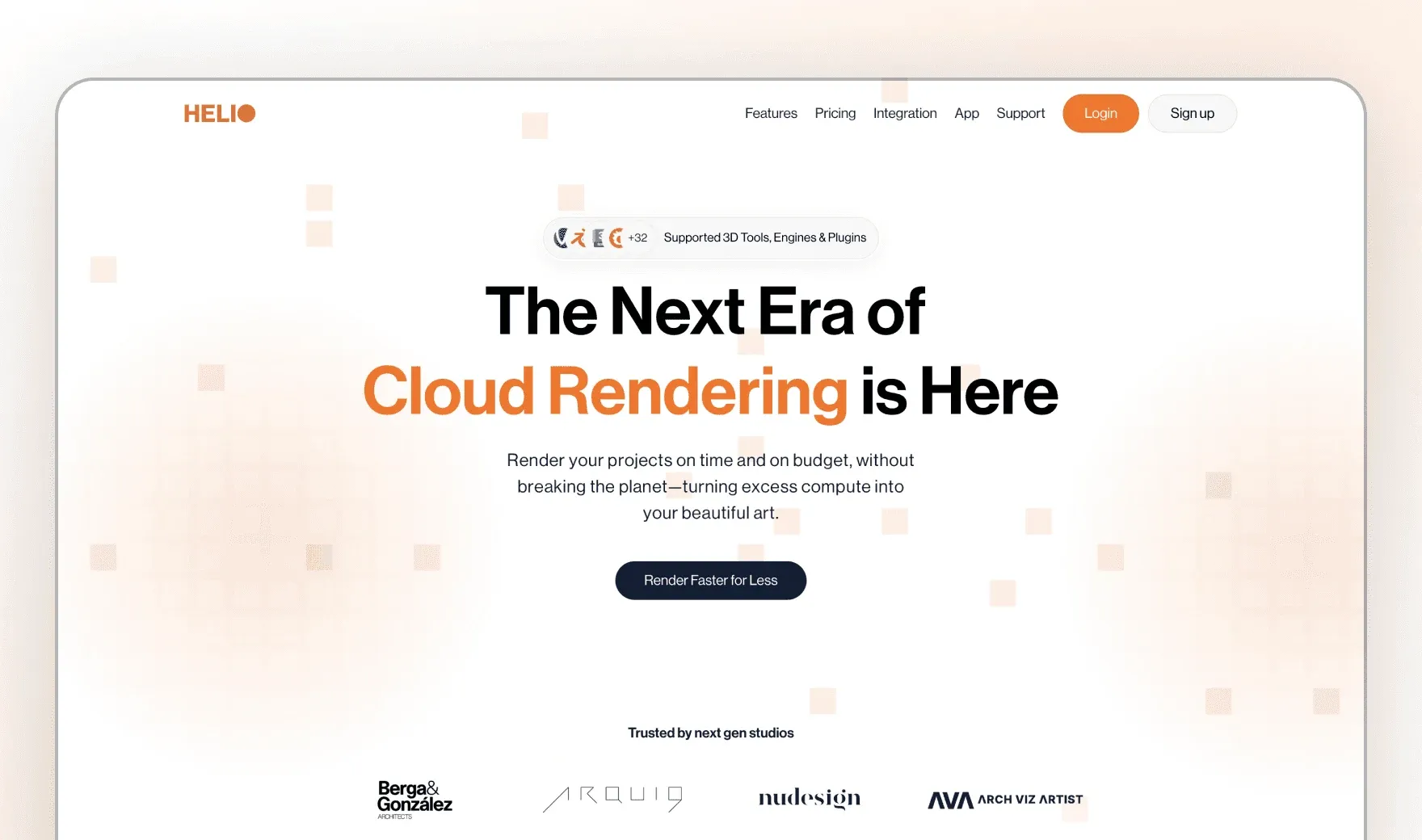
  • Helio Render website homepage showing tagline "The Next Era of Cloud Rendering is Here", a "Render Faster for Less" button, and client logos.
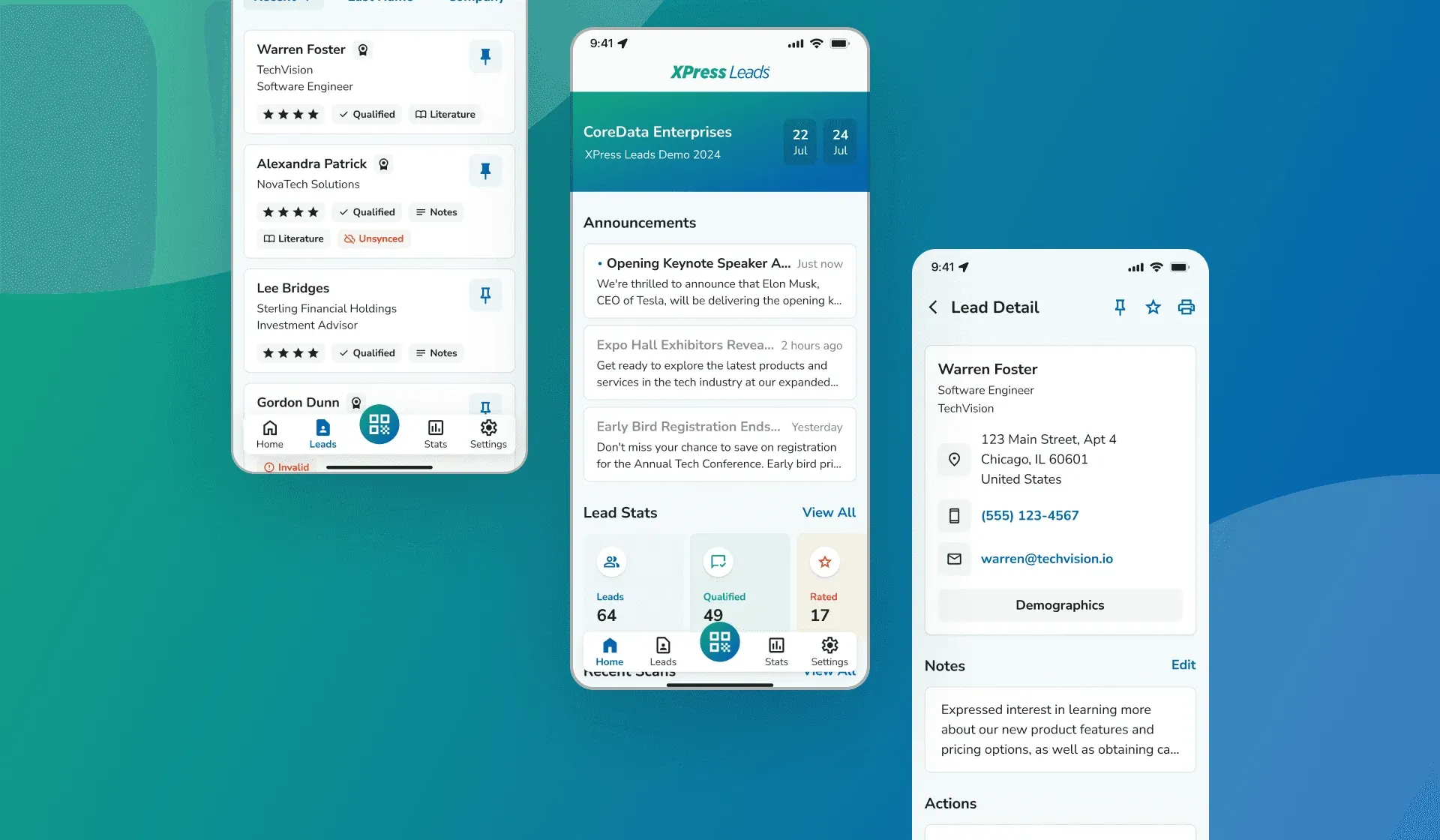
  • Three smartphones showing the XPress Leads app: contacts, announcements, and detailed contact info on a blue-green background.
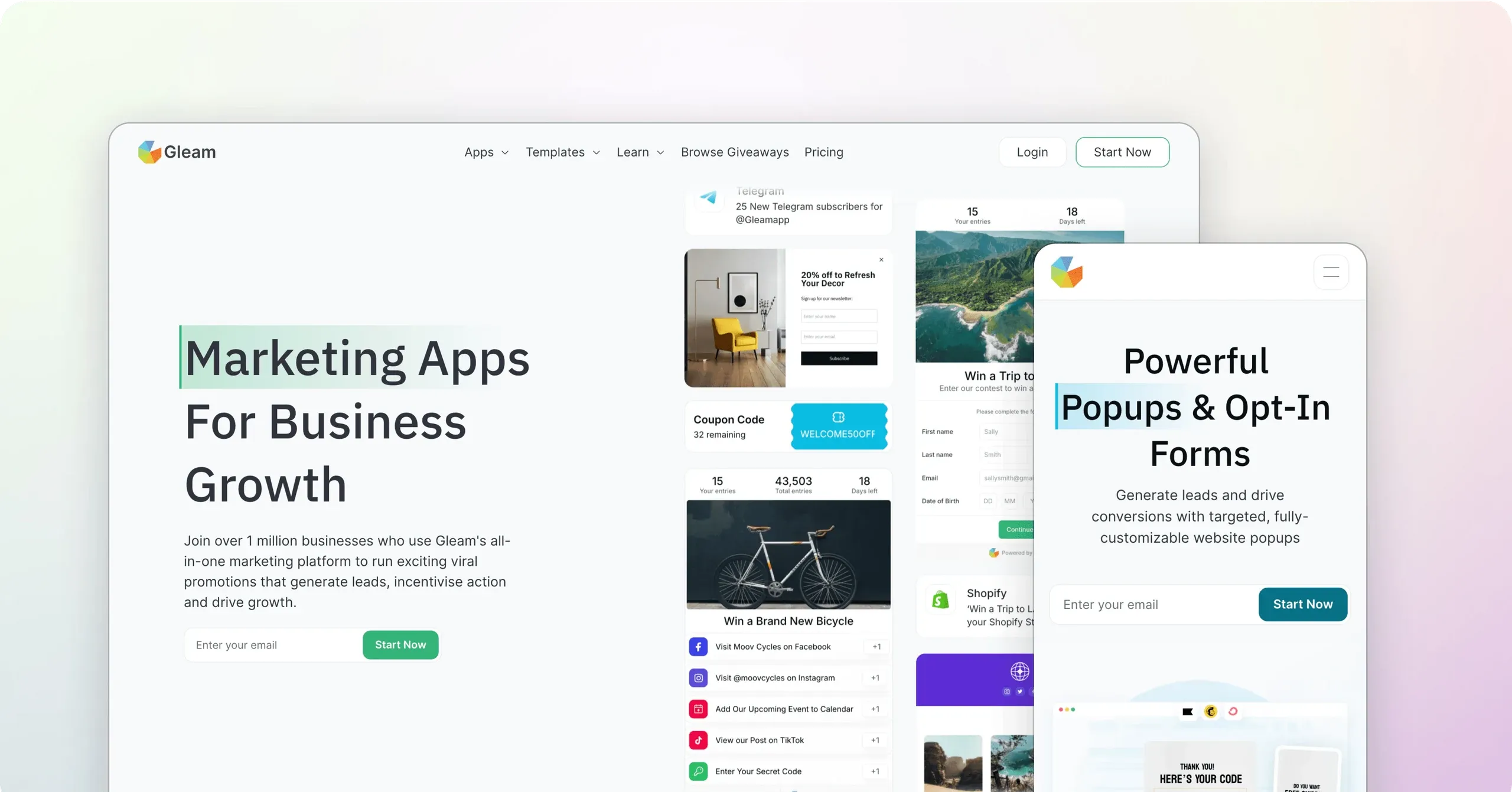
  • Gleam website homepage showcasing app integration options and examples of giveaways.
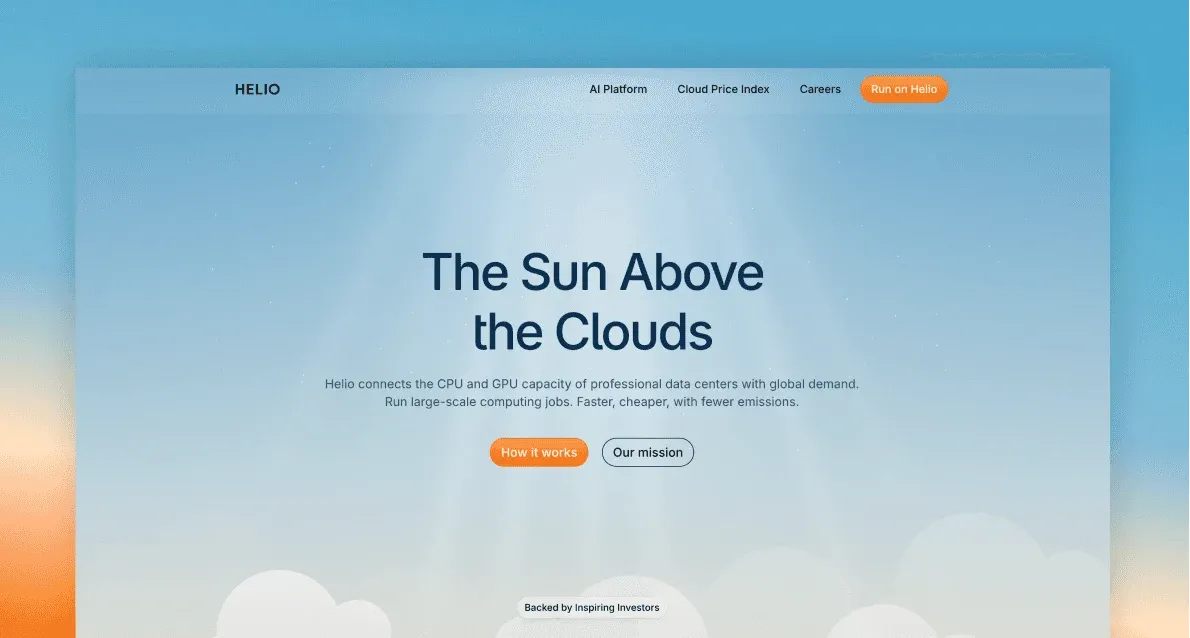
  • Helio Cloud website homepage with "The sun above the clouds" as central text. It has two buttons labeled "How it works" and "Our mission" and logos of supporting investors.
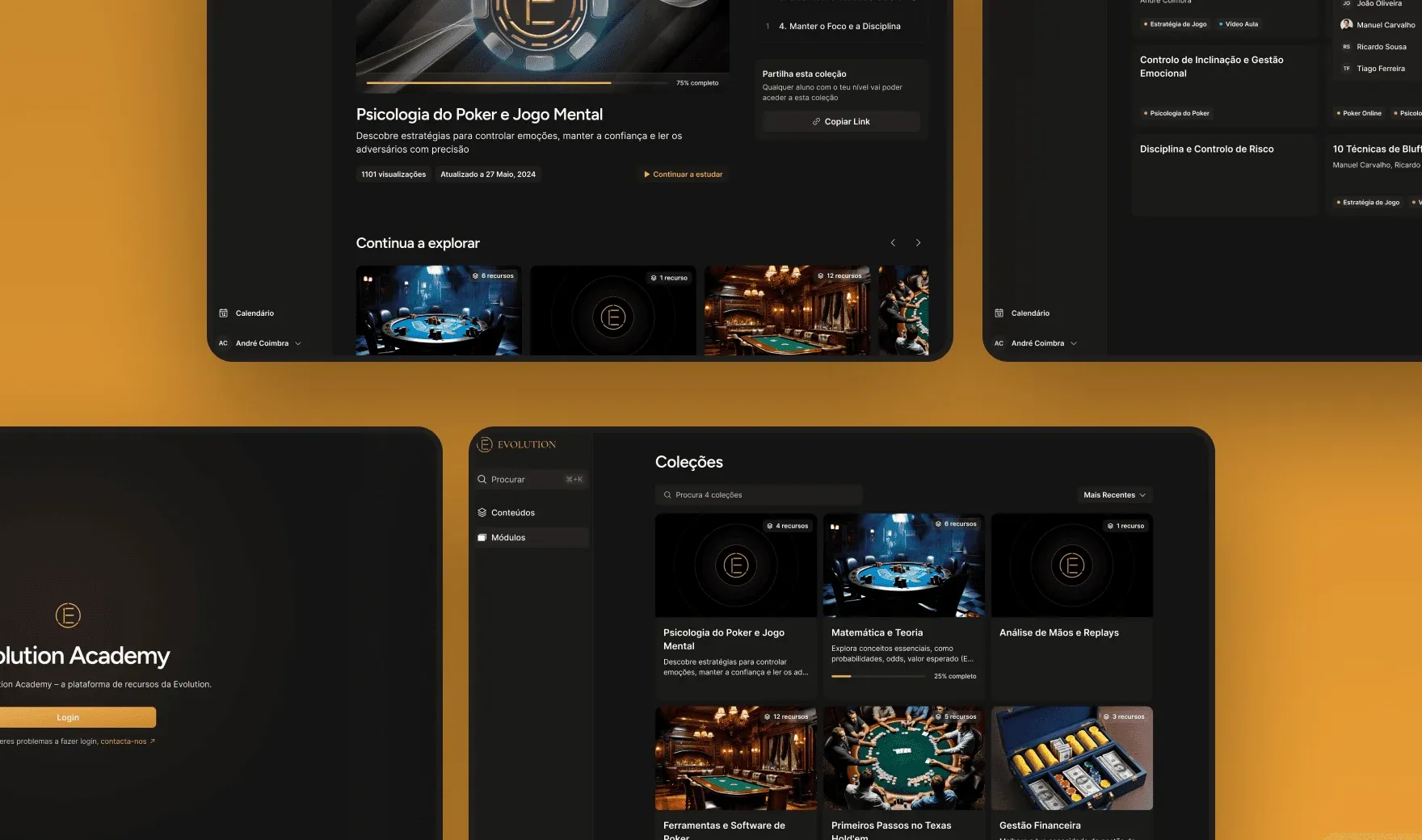
  • Evolution Academy app showing poker psychology courses, sign-in page, and strategy and analysis sections.
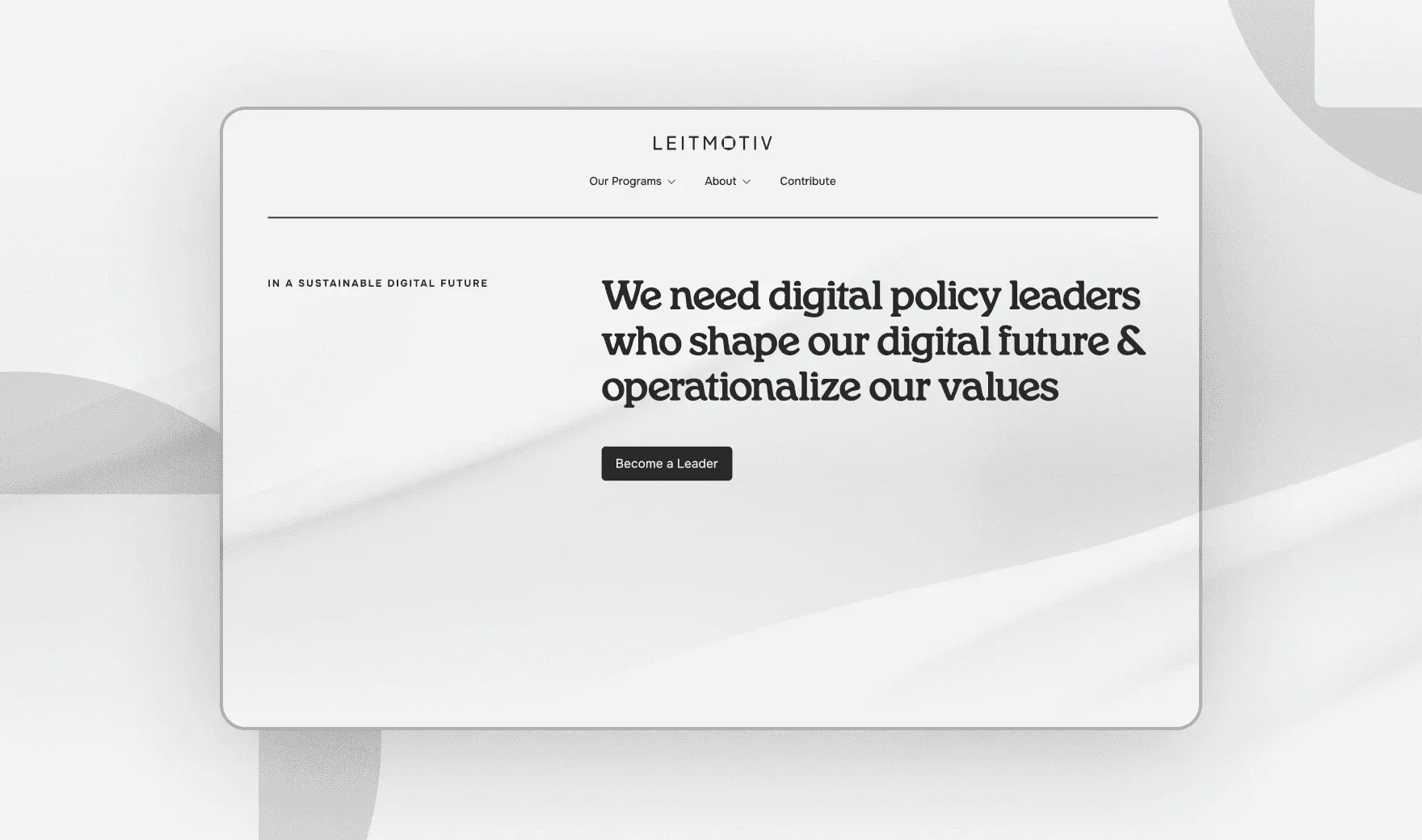
  • Leitmotiv website homepage with text urging digital policy leadership for a sustainable digital future. It also includes a "Become a Leader" button.
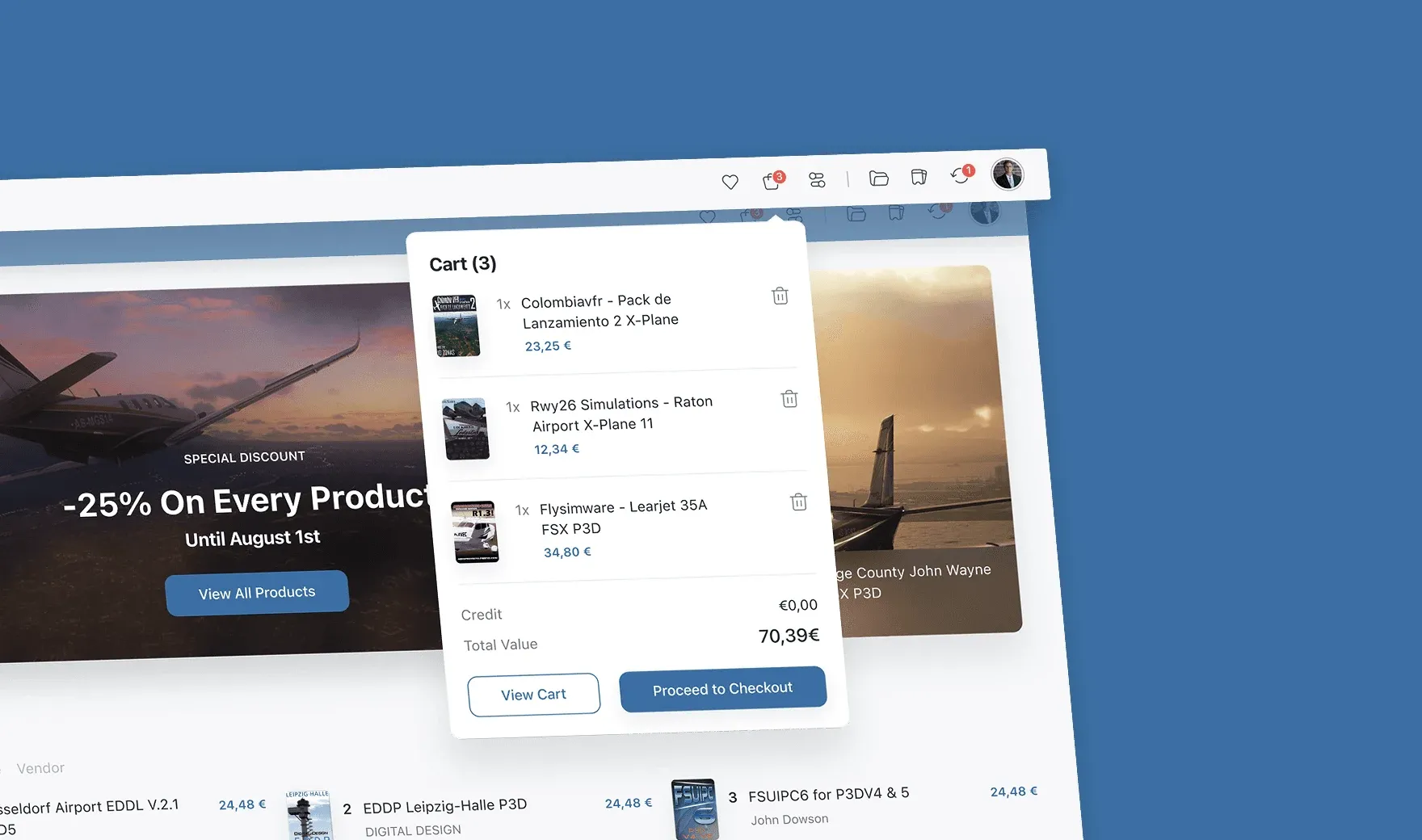
  • SimMarket desktop app dashboard showing -25% discount on flight sim products, cart with three items (€70.39), and checkout options.
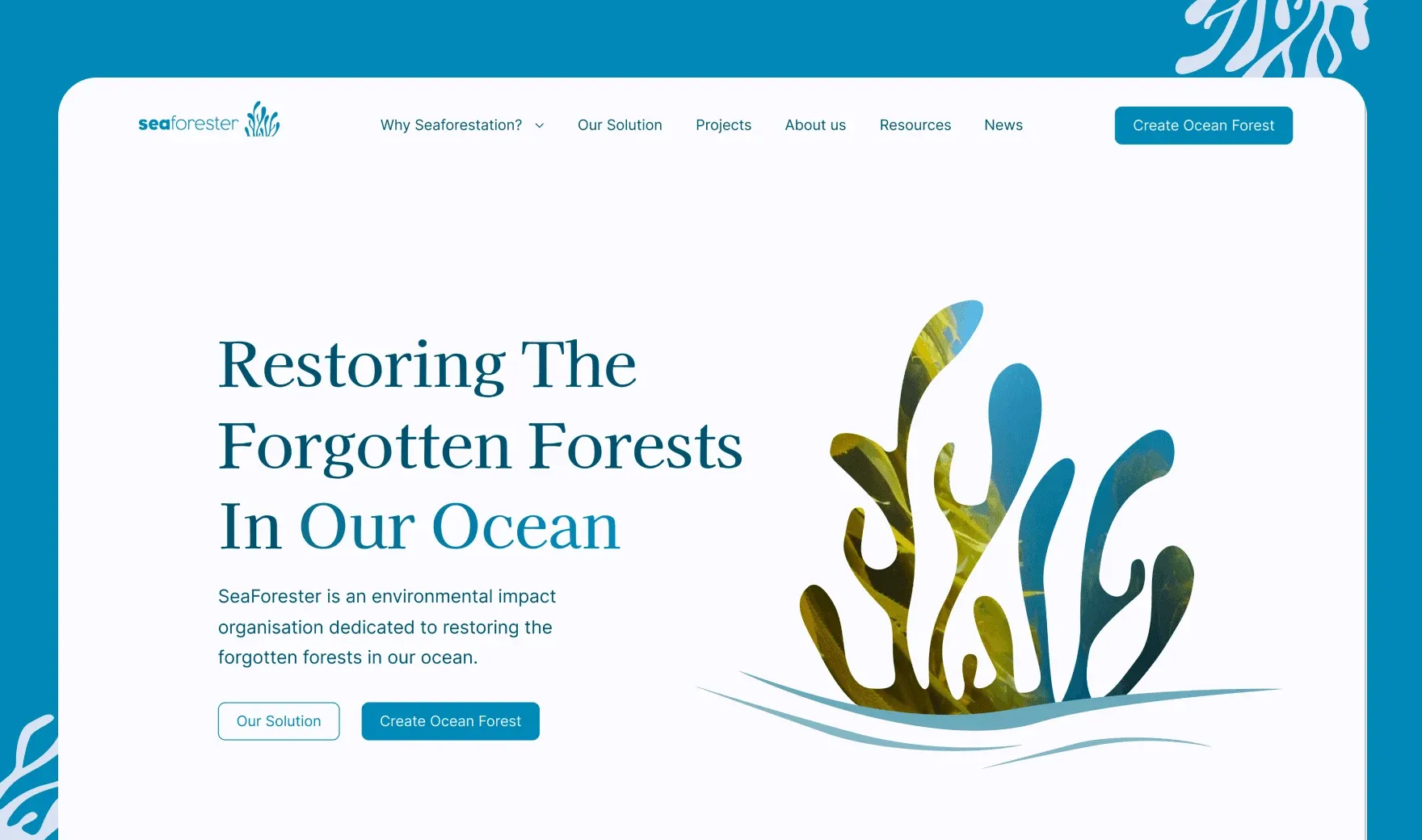
  • SeaForester homepage with stylized seaweed illustration, central text “Restoring The Forgotten Forests In Our Ocean," and solution buttons.
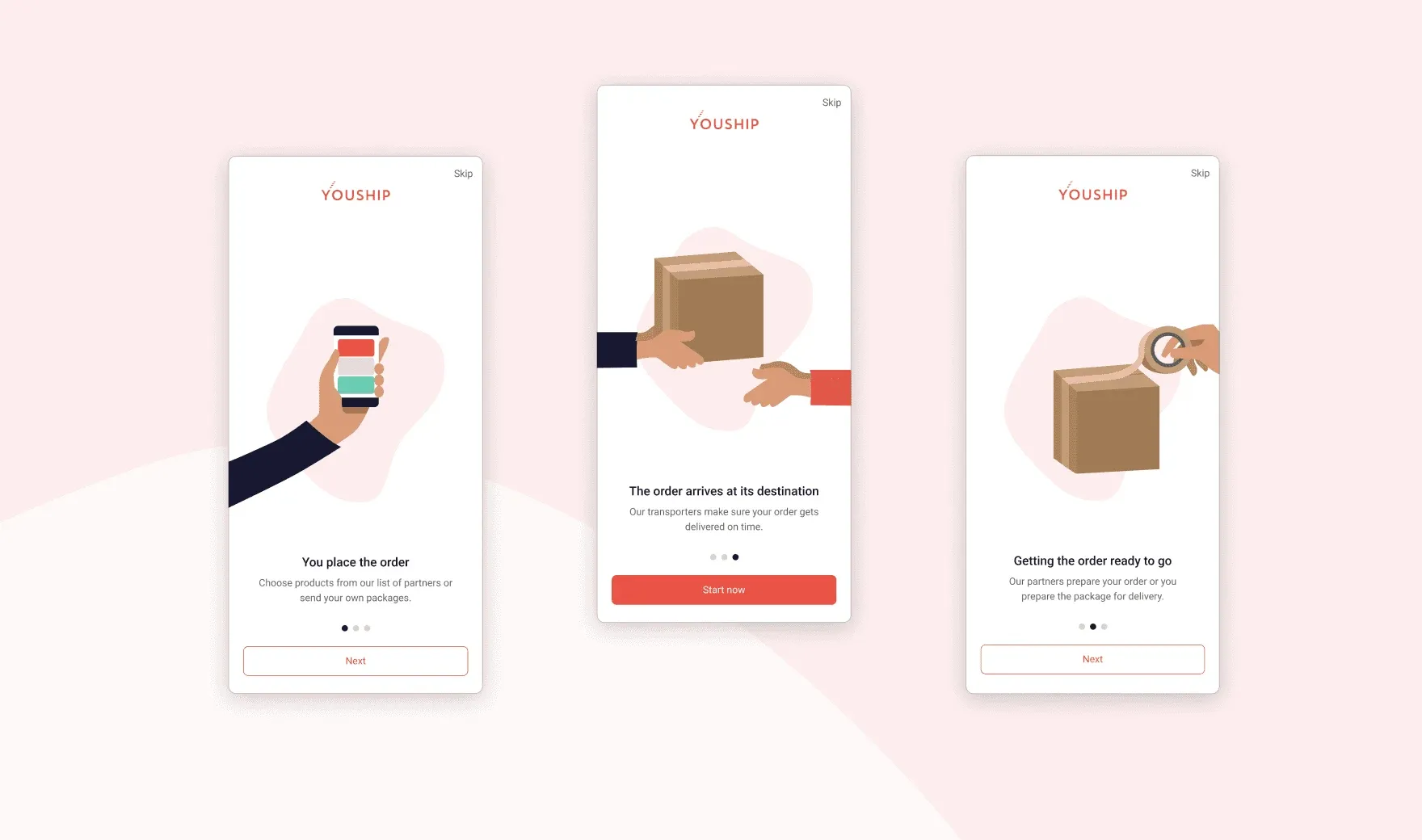
  • Three YouShip mobile app screens regarding the onboarding process. With simple illustrations, they show order placement, delivery handoff, and order prep in a clean design.
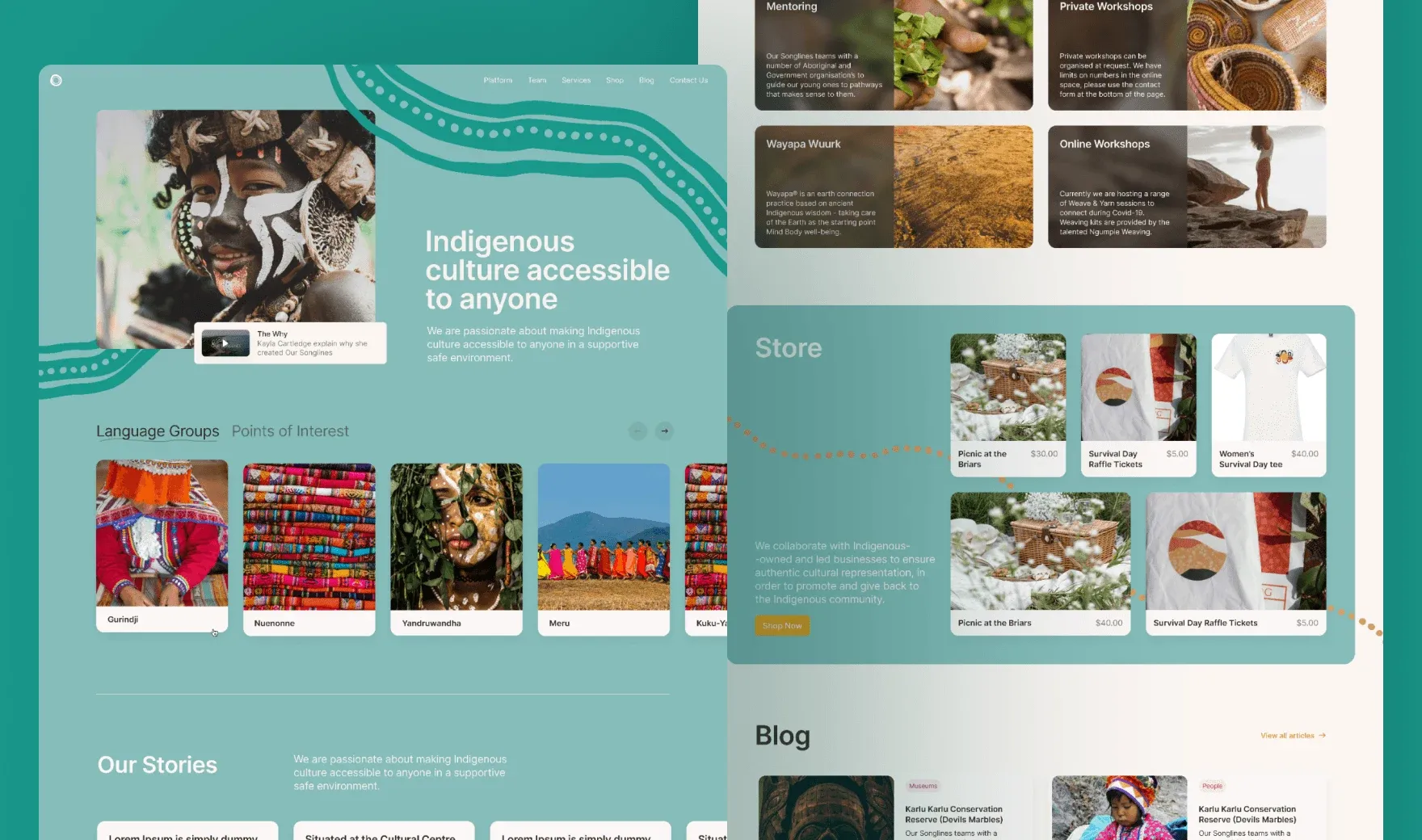
  • OurSonglines website with vibrant imagery of Indigenous culture, masked figure, textiles, workshops, and store section in an inviting tone.